How to Check 11th Class Result by Roll Number 2026 – Step by Step Guide
Checking the 11th Class Result 2026 by roll number is one of the simplest ways to find your Intermediate Part‑I result online. Students can find their result by visiting the website of the Board of Intermediate and Secondary Education (BISE) that serves their area.
If you have your roll number you do not normally have to go to your college or, to the board office to check your result. The result will be available online soon as the board publishes it.
This guide tells you how to check the 1st Year Result 2026 by roll number what information you may need and what steps to take if the official result website is not working.
How to Check 11th Class Result 2026 by Roll Number
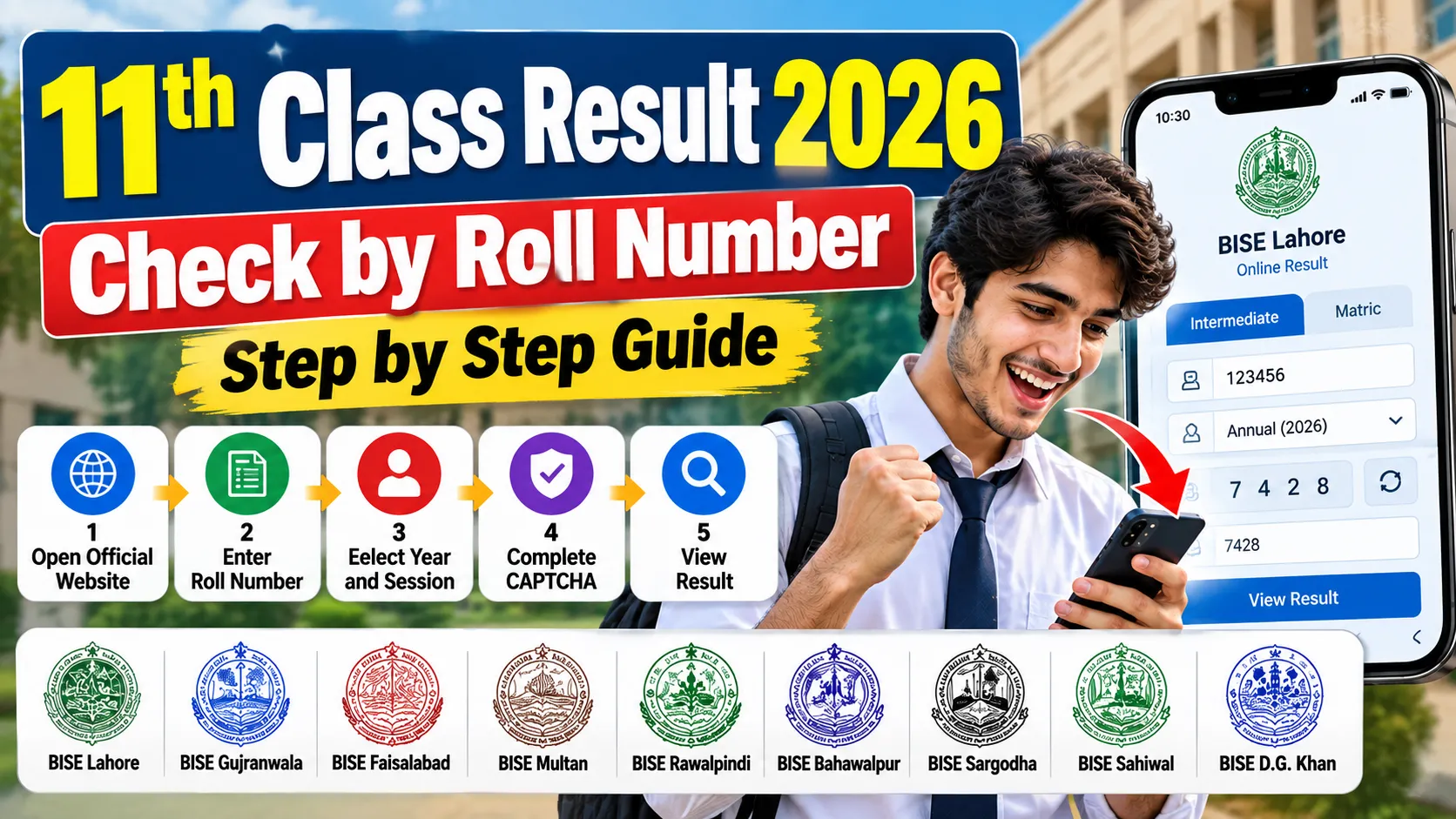
The general process is simple:
- Identify your BISE board.
- Visit the official result website of your board.
- Select the relevant examination or result option.
- Enter your roll number.
- Select the required exam year/session if requested.
- Complete the CAPTCHA or verification step, if shown.
- Submit the form.
- Your result will be displayed on the screen.
The exact layout can be different from one board to another. For example, the official BISE Lahore result portal provides options for Matric/Intermediate, Roll No, Exam Type, Year and CAPTCHA.
Step 1: Find Your Board
Before checking your result, make sure you know which board conducted your 11th Class examination.
Punjab has several BISE boards, including:
| BISE Lahore | BISE Bahawalpur |
| BISE Gujranwala | BISE Sargodha |
| BISE Faisalabad | BISE Sahiwal |
| BISE Multan | BISE DG Khan |
| BISE Rawalpindi |
Your roll number slip normally shows the name of your board.
Choosing the correct board is important because each board operates its own result system.
Step 2: Open the Official Result Website
After identifying your board, open its official result portal.
For example, BISE Lahore provides an online result page where students can select Intermediate and enter their roll number and examination details.
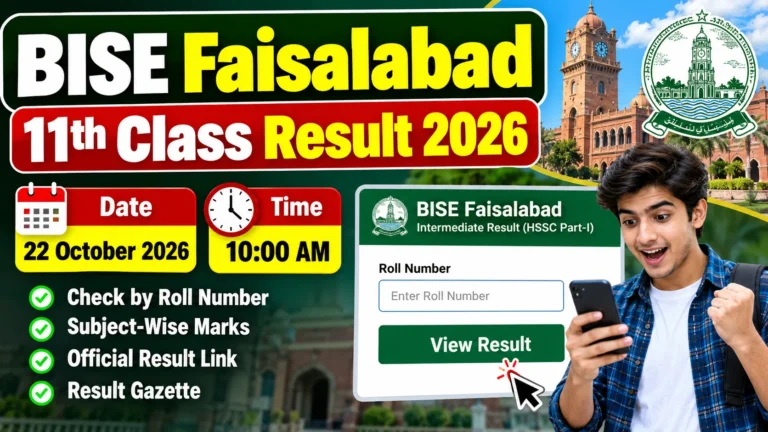
Similarly, BISE Faisalabad has a dedicated result portal for HSSC examinations where a roll number can be entered to access the result.
For security, always check the website address before entering personal or examination information.
Step 3: Select Intermediate or HSSC
Since the 11th Class is part of Intermediate education, you may need to select Intermediate, HSSC, or HSSC Part-I, depending on the board’s result portal.
The terminology may vary between boards, but the result belongs to 11th Class / Intermediate Part-I.
Step 4: Enter Your Roll Number
Enter the roll number exactly as it appears on your roll number slip.
Avoid adding unnecessary spaces or changing any digits.
A wrong roll number can result in an error message or may display a different record.
Step 5: Select the Exam Year and Session
Some BISE websites ask students to select the examination year or session.
For the current result, select the relevant 2026 examination session when it is available.
If more than one examination session is listed, make sure you choose the correct one, such as First Annual or another applicable session.
Step 6: Complete CAPTCHA or Verification
Some official result portals use CAPTCHA or another verification step before displaying the result.
For example, the BISE Lahore result portal currently shows a CAPTCHA field alongside the roll number, exam type and year options.
Enter the displayed verification information carefully and submit the form.
Step 7: View Your 11th Class Result
After submitting the required information, your result should appear if the result has been officially published and the details entered are correct.
Depending on the board, the result page may show information such as:
- Student name
- Father’s name
- Roll number
- Examination details
- Subjects
- Subject-wise marks
- Total marks
- Grades
- Result status
The exact information displayed can vary by board.
What If the Result Website Is Not Opening?
On result day, official board websites can receive a large number of visitors. As a result, the website may load slowly, show an error, or temporarily become unavailable.
If this happens, try the following:
1. Wait and Try Again
Wait for a few minutes and refresh the official result page.
2. Check Your Internet Connection
Make sure your internet connection is stable before submitting the form again.
3. Use the Correct Official Portal
Make sure you are using the correct BISE result website instead of an unrelated website.
4. Try Another Browser
If the page does not work correctly, try Chrome, Edge, Firefox, or another updated browser.
5. Use Another Result Method
Depending on the board, other result-checking options may be available, such as SMS or a result gazette.
Can I Check the 11th Class Result Without a Roll Number?
In some cases, boards may provide alternative methods such as name-based searching, SMS services, or gazettes.
However, availability depends on the individual board and examination session.
If you have your roll number, checking the result through the relevant official board portal is generally the most direct method.
What Should I Do After Checking My Result?
After your result appears, carefully check your:
- Name
- Roll number
- Subject-wise marks
- Total marks
- Result status
- Grades, if displayed
It is also a good idea to save a screenshot or download/print the result information for your personal record.
If you believe there is an error in your result, follow the relevant board’s official procedure for result correction or rechecking.
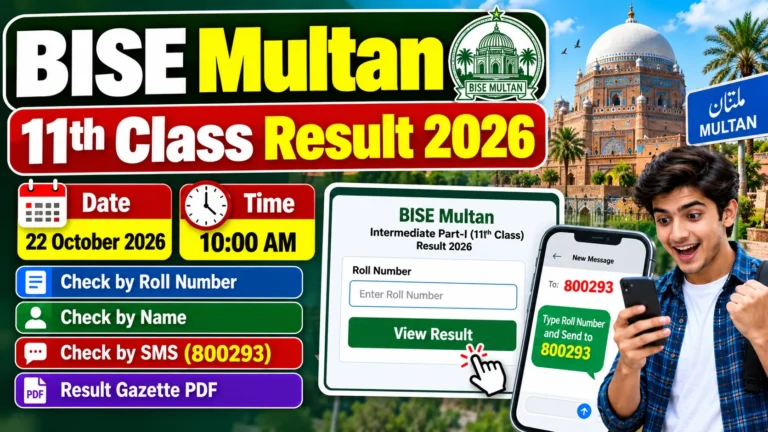
For example, BISE Multan states that candidates can apply for rechecking after result declaration according to the board’s prescribed procedure.
11th Class Result 2026 by Roll Number – Important Points
Keep these points in mind when checking your result:
- Use your own board’s official result portal.
- Enter the roll number exactly as printed on your roll number slip.
- Select the correct examination year and session.
- Complete CAPTCHA correctly if required.
- Do not repeatedly refresh the page if the official server is temporarily busy.
- Verify important result information through the official board.
- Save your result details after successfully checking them.
11th Class Result 2026 for Punjab Boards
Students from Punjab can check their 11th Class Result through the respective BISE board.
The nine Punjab Boards are:
Lahore | Gujranwala | Faisalabad | Multan | Rawalpindi | Bahawalpur | Sargodha | Sahiwal | D.G. Khan
Each board maintains its own examination and result system. For example, BISE Multan provides separate online services and publishes examination-related notifications through its official web portal.
Frequently Asked Questions
When will the 11th Class Result 2026 be available?
The result becomes available when the respective board officially declares it. Students should check their board’s latest official announcement for the confirmed result date.
How can I check my 11th Class Result by roll number?
Visit your board’s official result website, select the relevant Intermediate/HSSC result, enter your roll number and other required information, and submit the form.
Can I check the result online?
Yes. Once the board publishes the result online, students can check it through the relevant official result portal.
What if my result is not showing?
Check your roll number and examination session again. If the information is correct, the result may not yet be available or the official server may be temporarily busy.
Can I check my result through SMS?
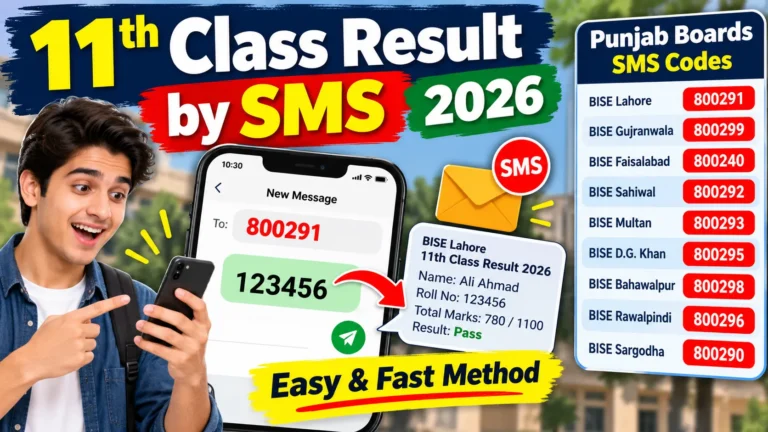
Some boards provide SMS-based result checking. The availability and SMS code can vary by board, so students should verify the current instructions from their respective board.
Where can I get the official result?
The official examination board is the primary source for your result. Use the relevant BISE website for official result information and records.
Conclusion
Checking the 11th Class Result 2026 by roll number is a straightforward process once the official result is announced. Keep your roll number slip available, select the correct BISE board, and use the relevant official result portal.
If the website is temporarily slow on result day, there is usually no need to panic. Wait a few minutes and try again, or use another officially provided result-checking method where available.